Product tour
See VenueVault from on-sale to show night.
Walk through the tools you and your fans will use: event setup, ticket buying, reserved seating, the box office, and check-in.
No account or credit card required to view the tour.
Build the on-sale
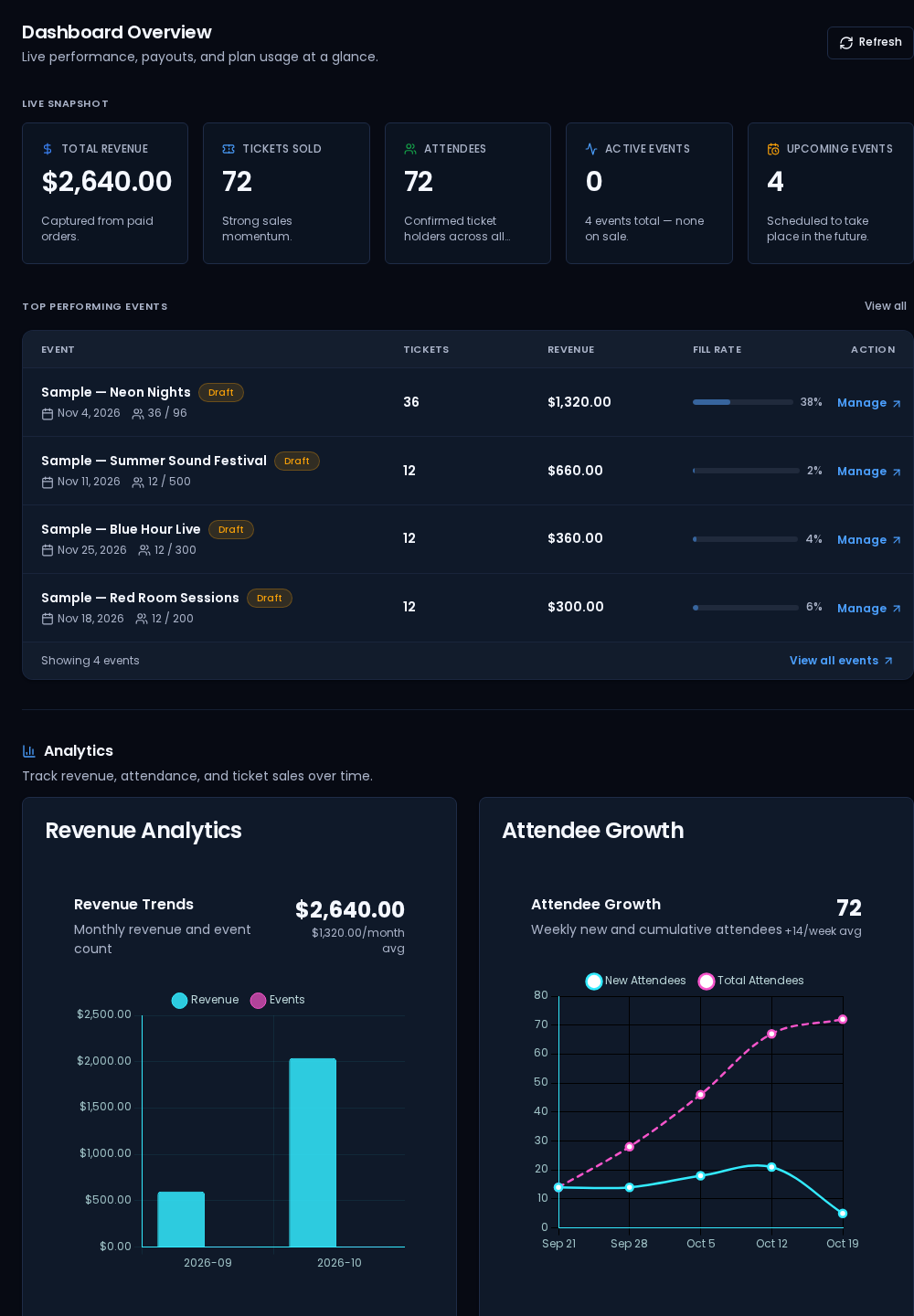
Add your date, capacity, ticket options, and sale windows. Launch Center reviews your setup and walks you through a test order before you publish.
- GA, VIP, tiered, and multi-day ticket types
- Sale windows and per-order limits
- Readiness checks and a test order before publishing
See what fans see
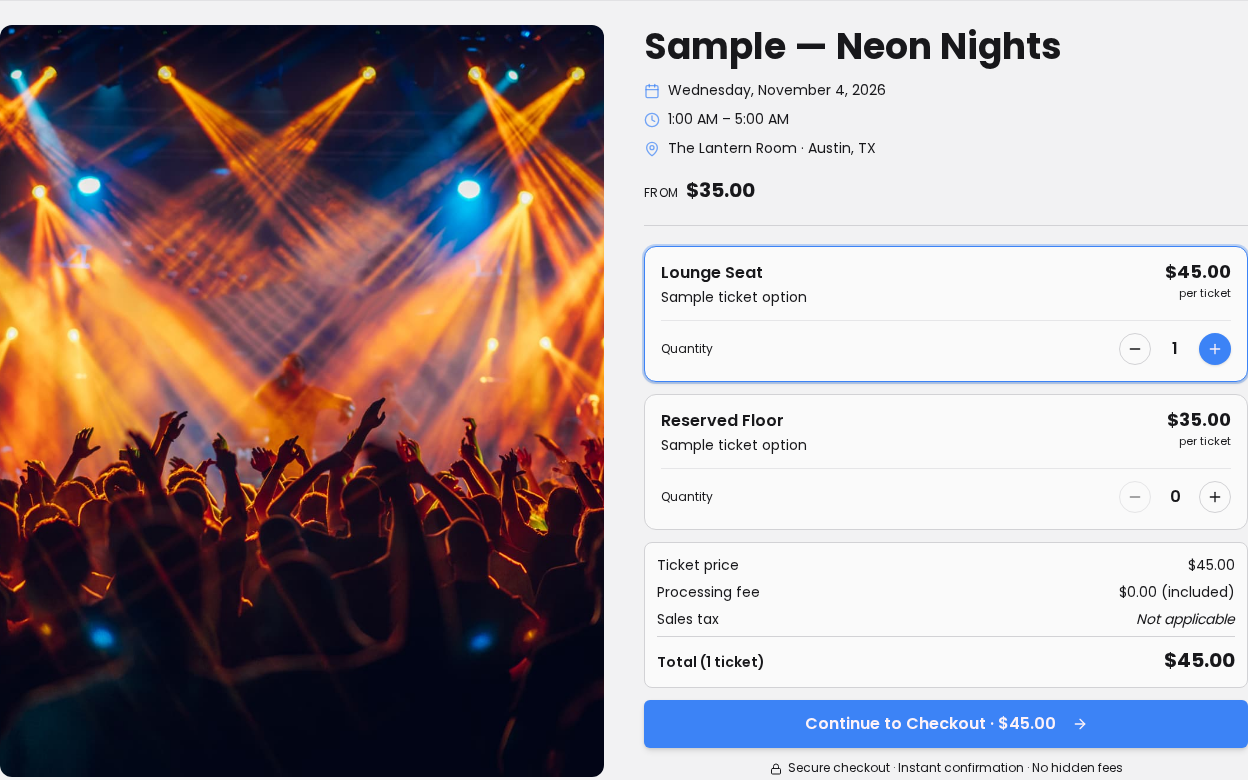
Give fans one event page to buy from. Buyers check out on your event page and pay through your connected Stripe account. Custom branding and your own domain are included on Growth and Pro; Starter uses VenueVault-hosted event pages.
- One public event page per show
- Card checkout through your own Stripe account
- Custom branding and domain on Growth and Pro
Choose a seatGrowth and Pro
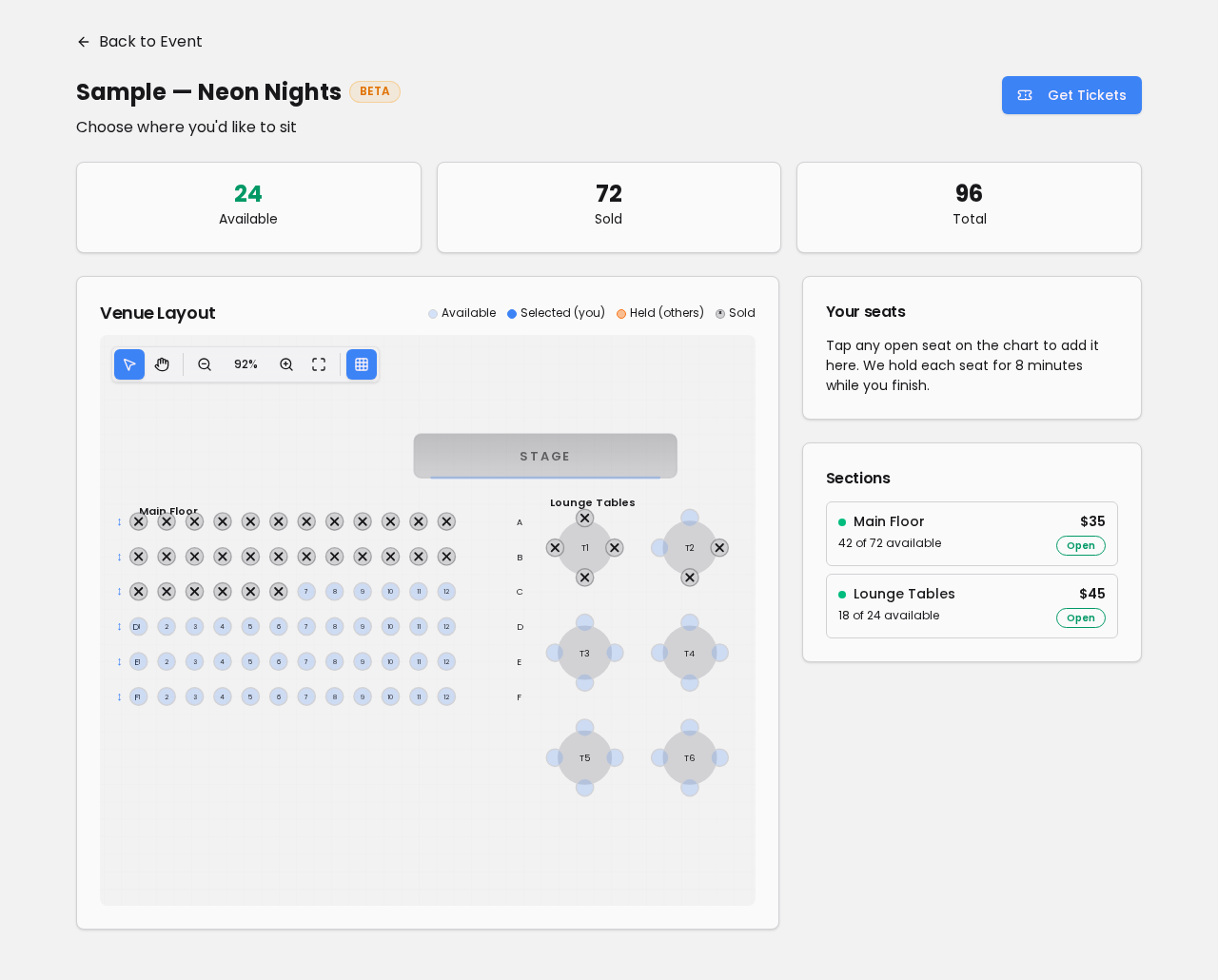
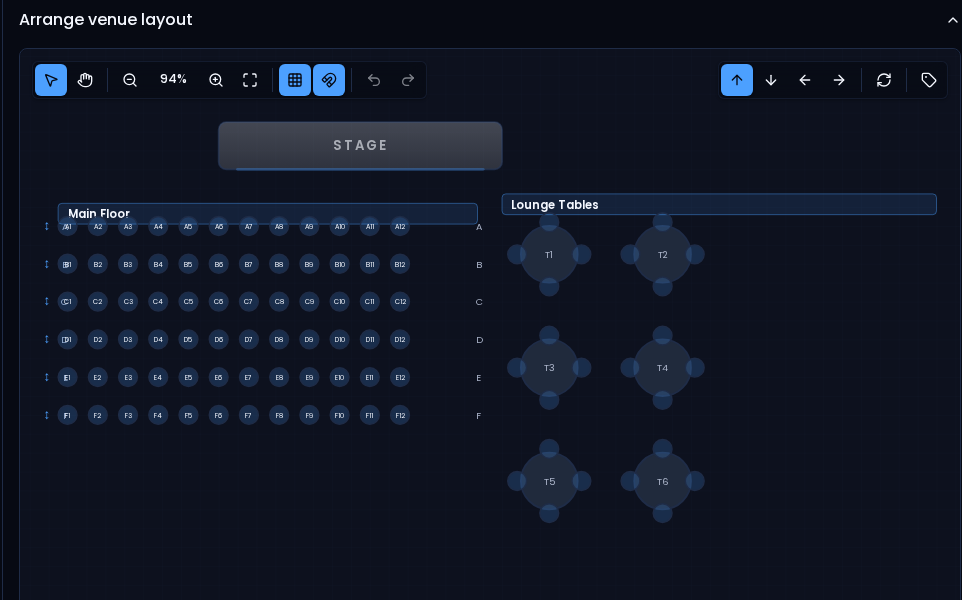
Build a seating layout with sections, rows, and tables. Buyers select available seats on their phones, and your team manages holds and seat assignments in the same system.
- Visual seat-map builder
- Mobile seat selection for buyers
- Box-office holds and seat assignments
Work the door
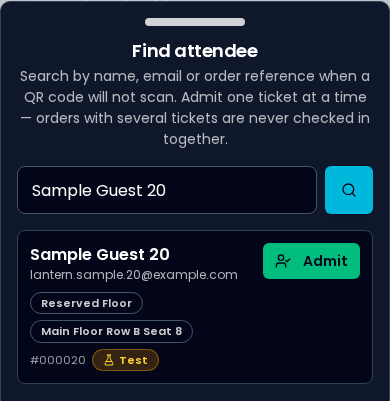
Staff scan tickets from their phones, look up guests, and see confirmed check-ins stay in sync across connected devices. Clear results flag tickets that have already been used. Walk-up sales, comps, and guest adds run from the same event tools.
- Multi-device scanning with duplicate protection
- Guest lookup and walk-up sales
- Offline scans are saved for verification when the connection returns — admission is confirmed after verification
Find and manage tickets
Fans open their tickets, transfer eligible tickets to a friend, and submit refund requests through the customer portal. Your team manages orders and requests in one place.
- Mobile ticket display
- Eligible ticket transfers
- Refund requests follow the event's rules — a request is not an automatic refund
Ready to set up your next show?
Compare plans for your capacity, seating, and staff. Plans start at $49/month. Standard Stripe payment processing fees still apply and are billed by Stripe, not VenueVault.